Permits
- Scribe test - iframe
- Scribe test - Markdown Export
- Scribe test - HTML Export
- Dubble test - iframe
- Dubble test - Markdown Export
- Dubble test - Magic Copy
Scribe test - iframe
Scribe test - Markdown Export
How To Process An ECheck Payment For A Project
Made by with Scribe
Learn how to securely navigate the project portal and complete a payment using the eCheck method. This guide provides a step-by-step walkthrough to help you successfully settle your outstanding invoice.
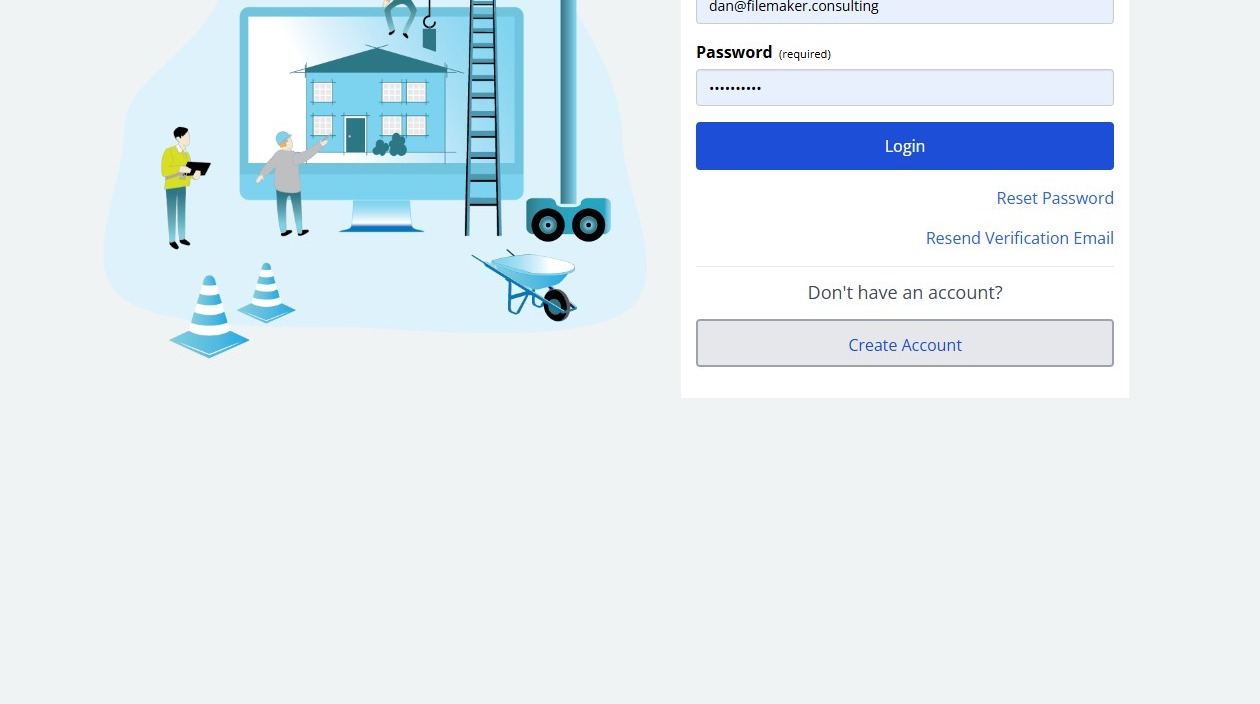
2. Click "Login"
Project Search
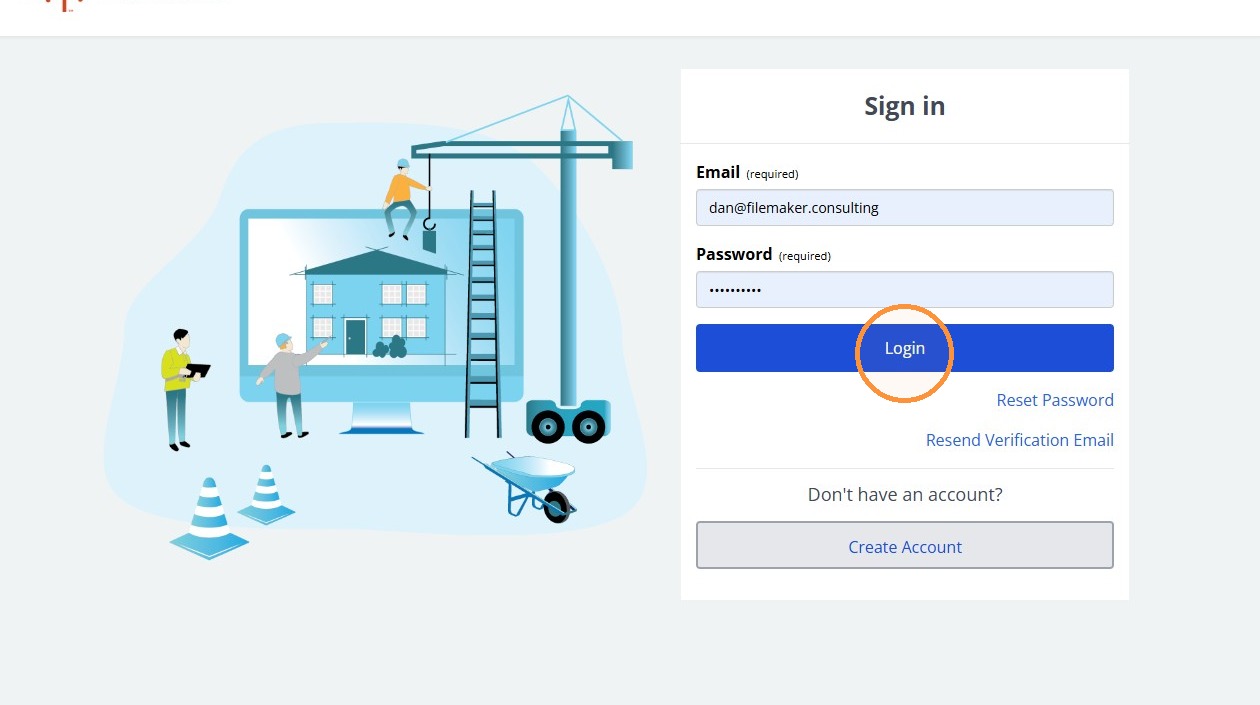
3. Click "Projects"
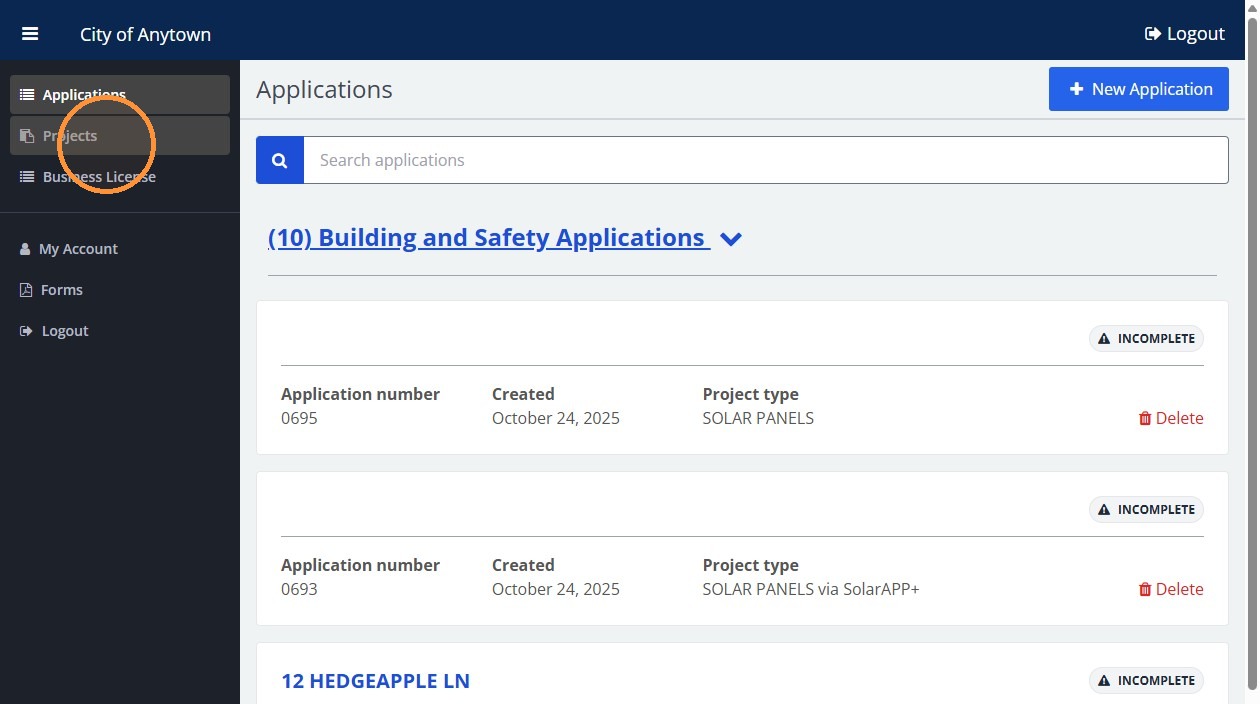
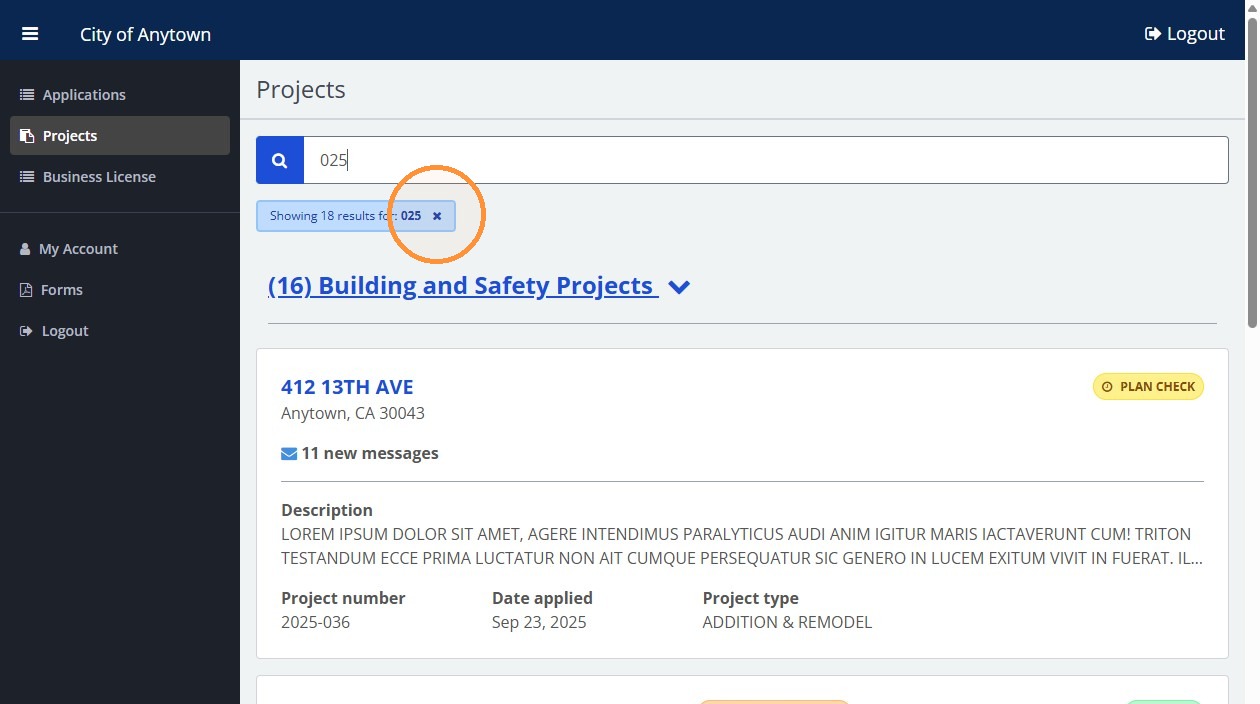
4. Type "025"
5. Click Projects to return to the project list
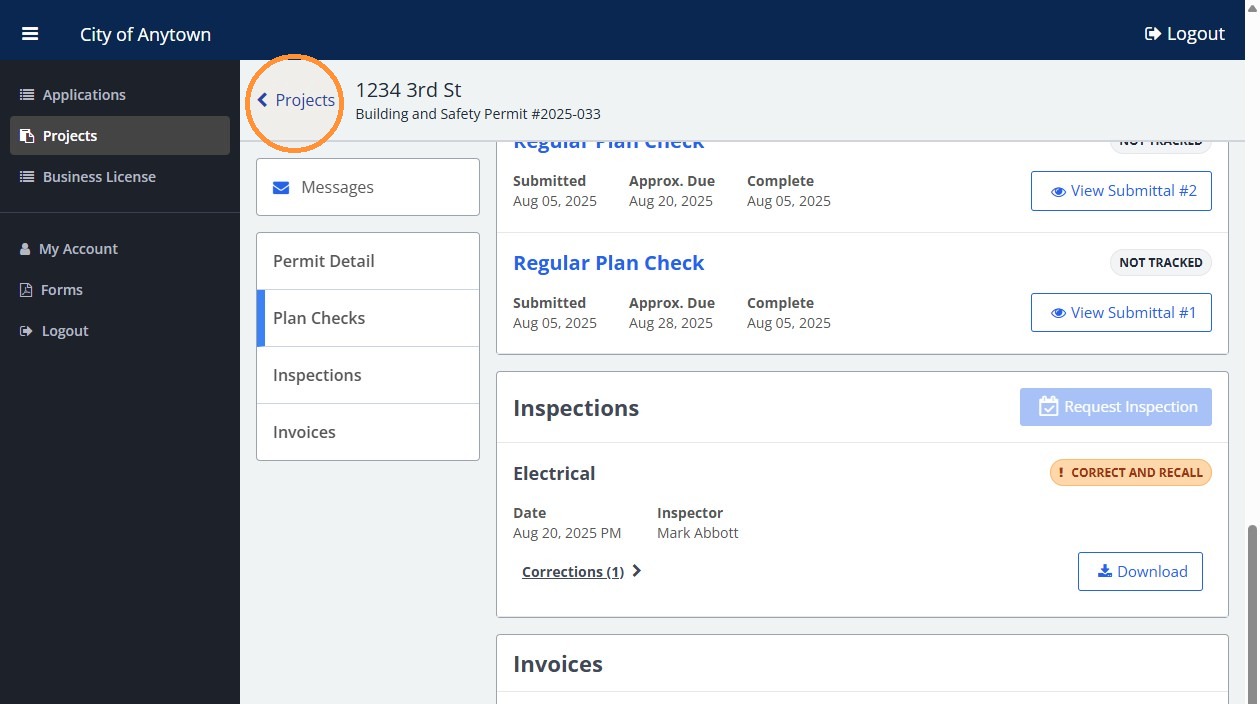
6. Click the X beside the search filter to clear it
Permit Selection
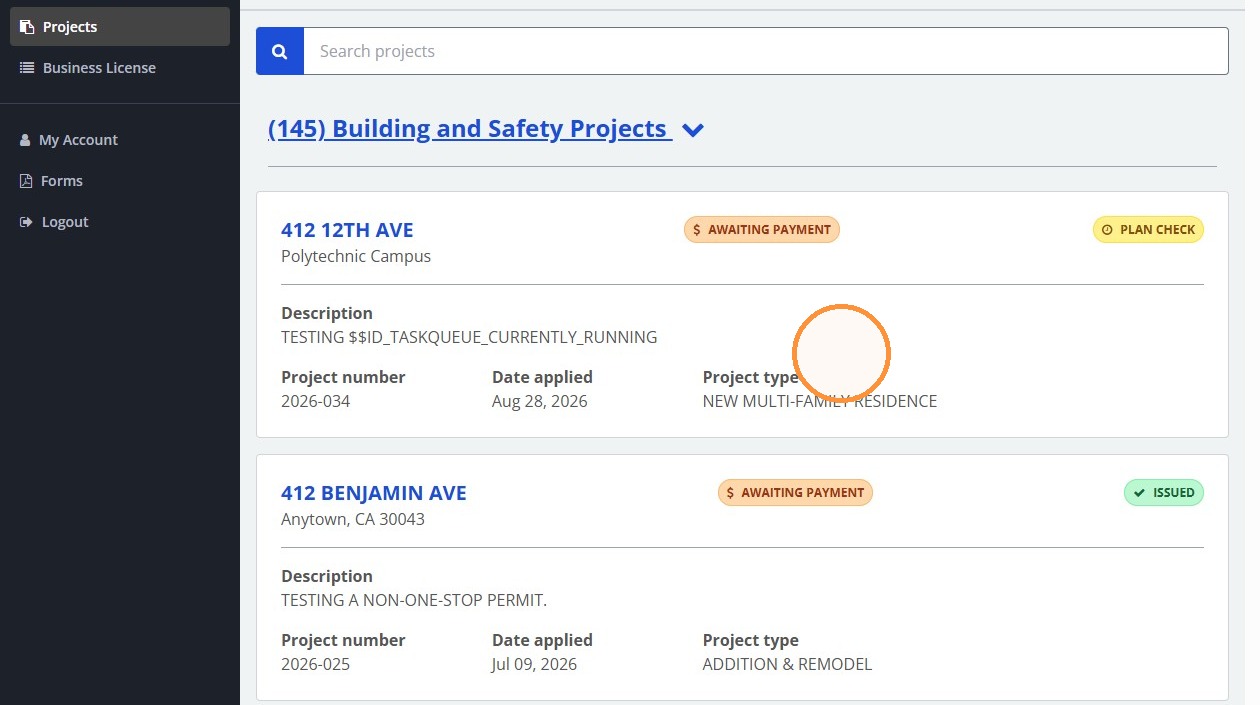
7. Click 412 12TH AVE
Invoice Payment
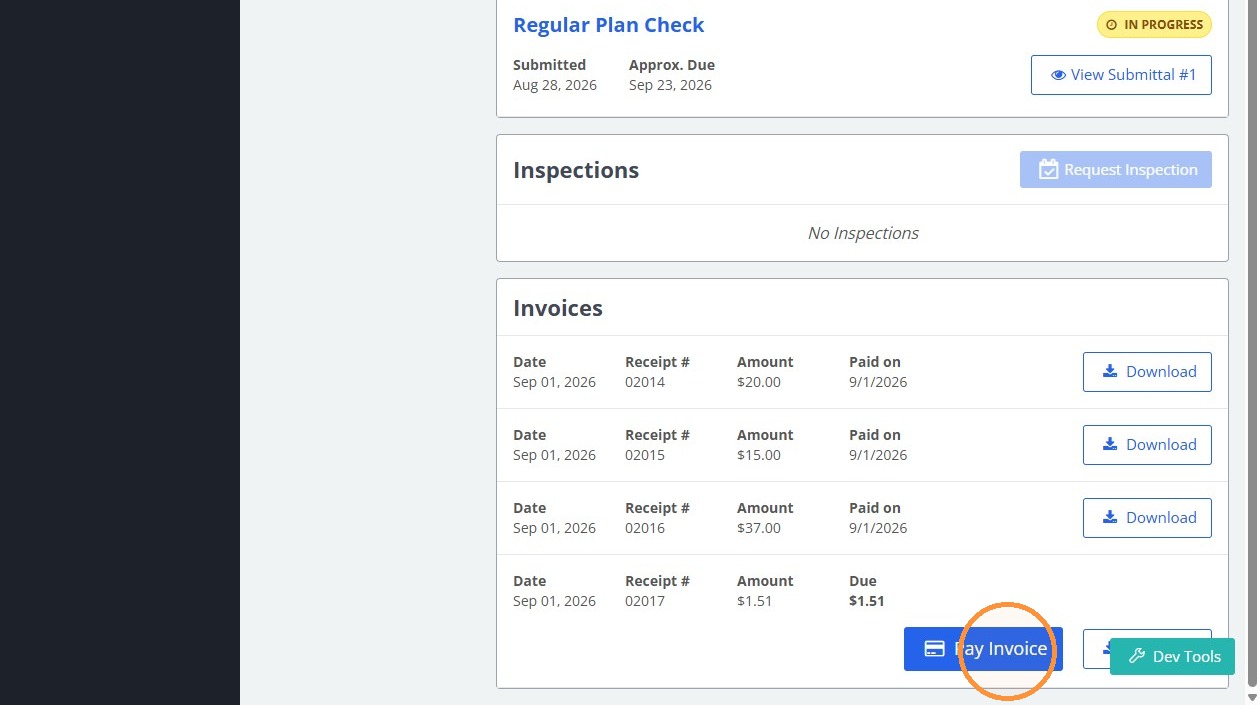
8. Click "Pay Invoice"
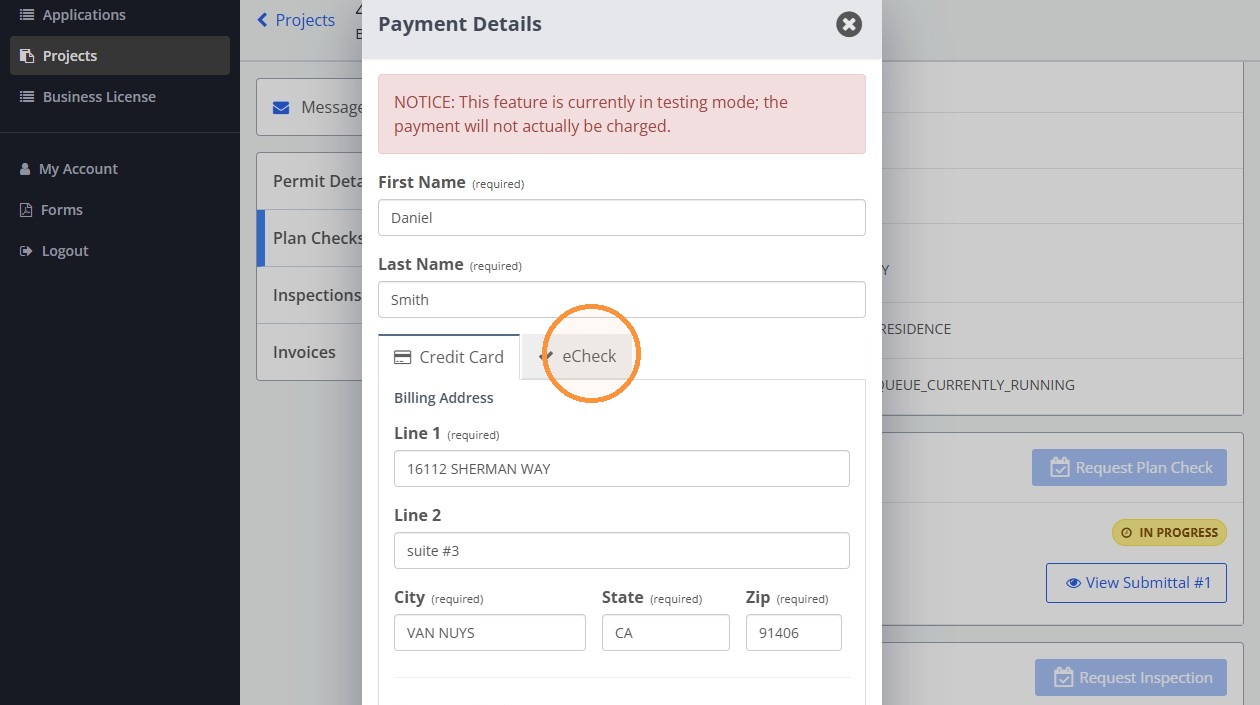
9. Click "eCheck"
10. Click the "Routing Number" field.
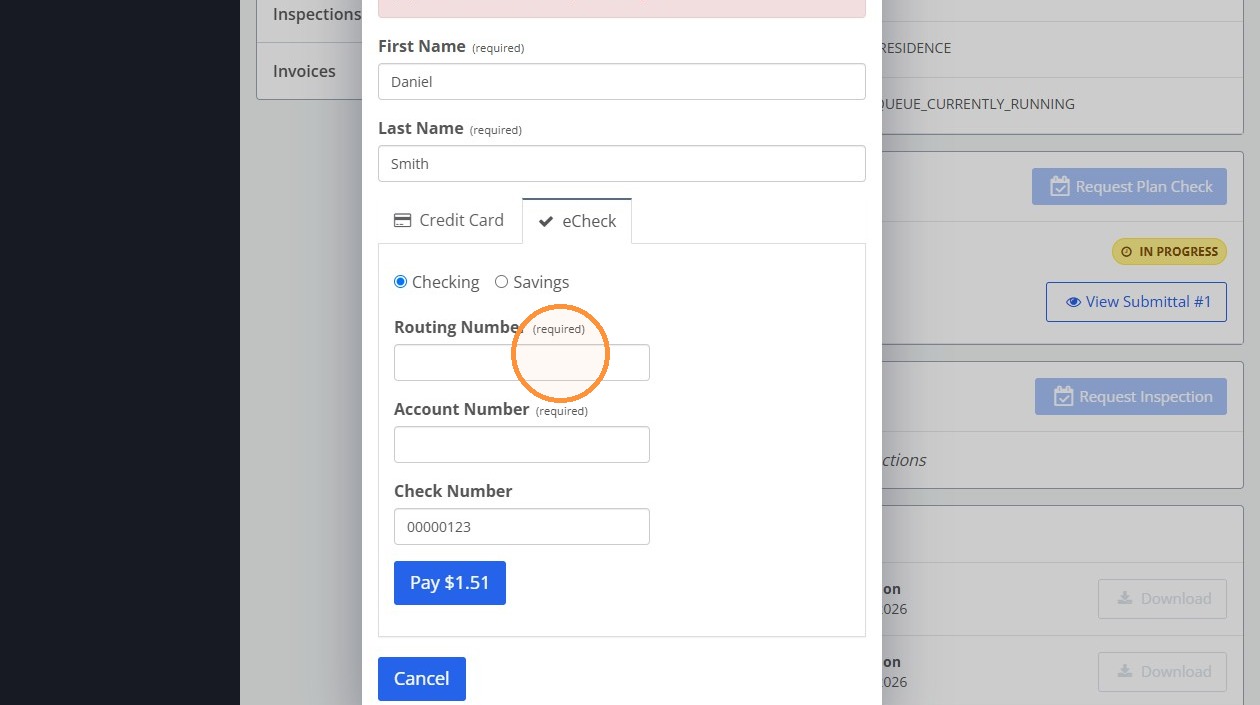
11. Click the "Account Number" field.
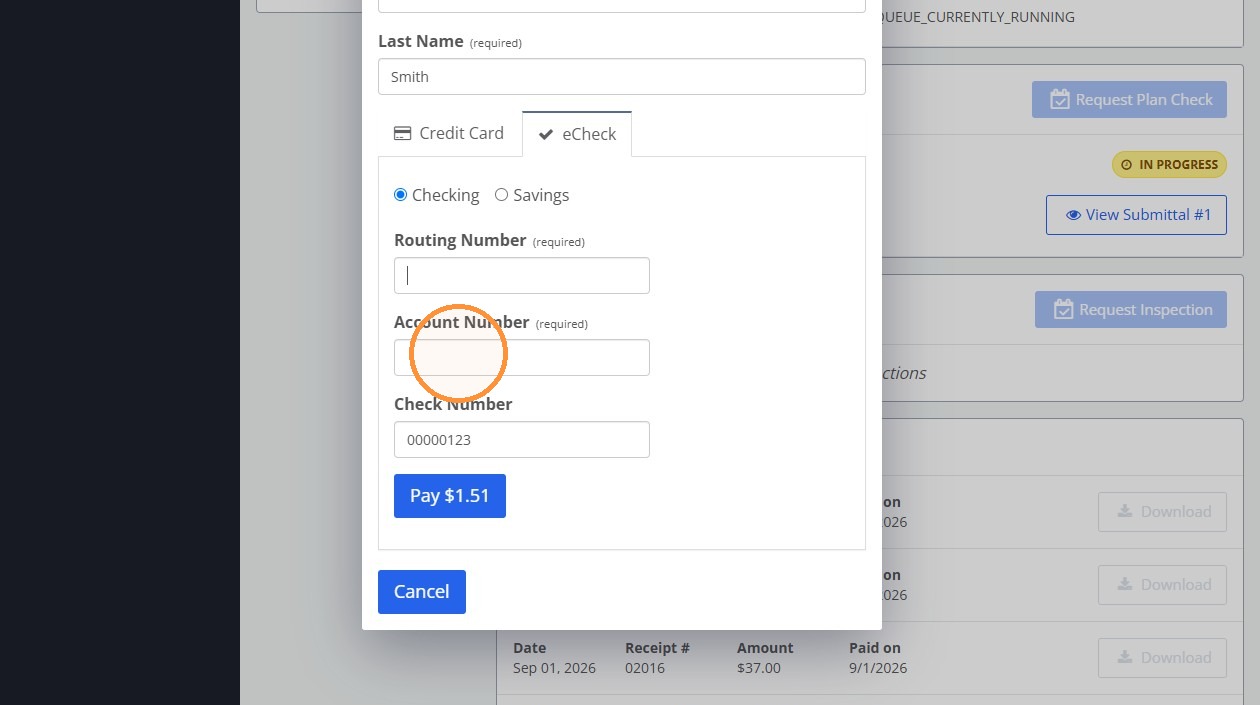
12. Click the "Check Number" field.
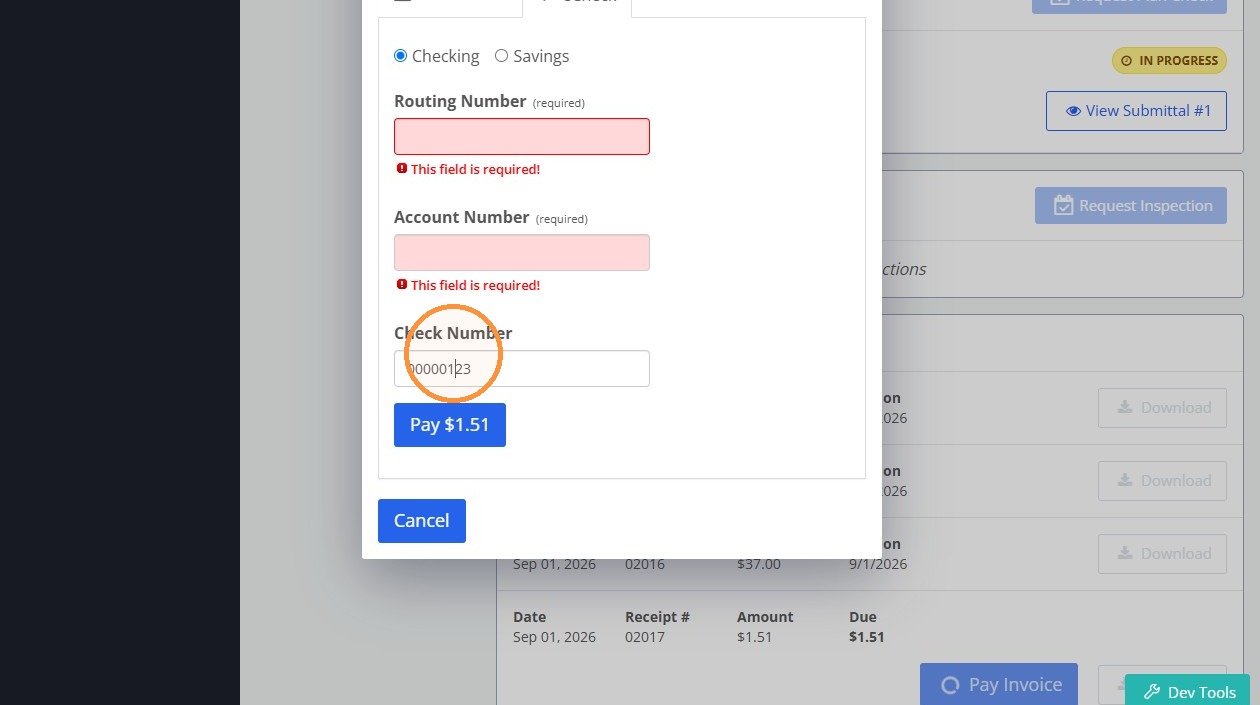
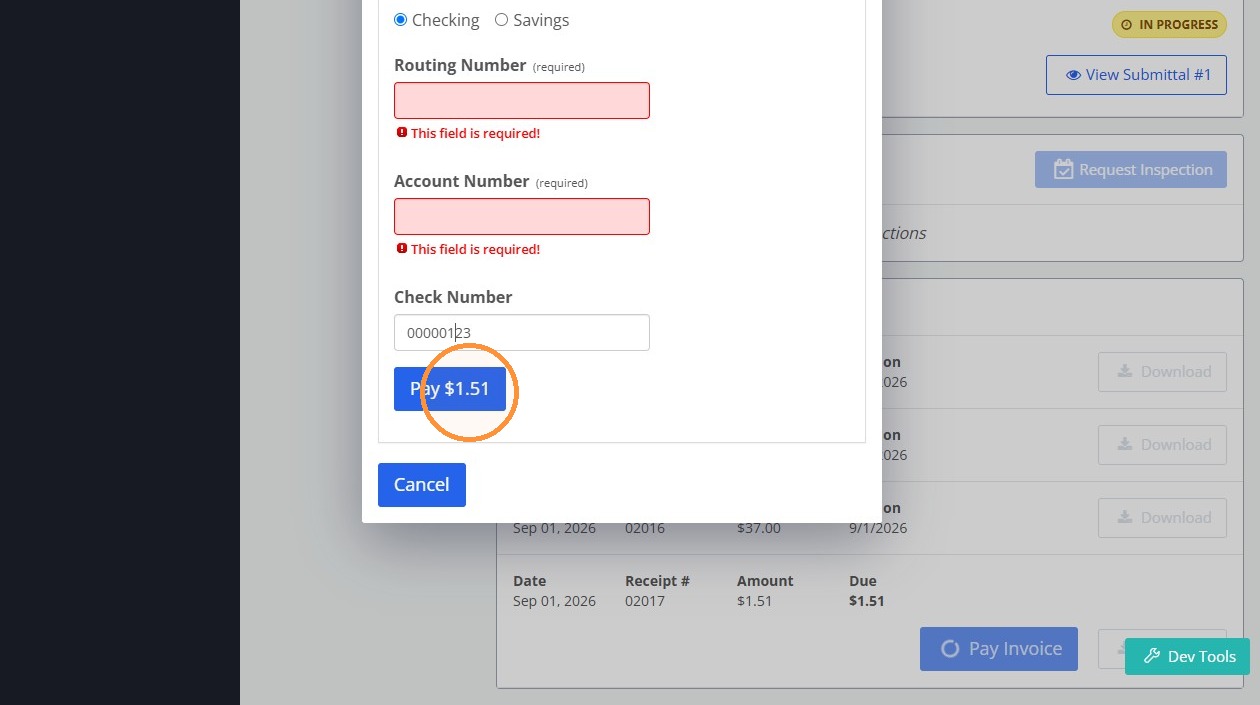
13. Click "Pay $1.51"
Made with Scribe
Scribe test - HTML Export
How To Process An ECheck Payment For A Project
Learn how to securely navigate the project portal and complete a payment using the eCheck method. This guide provides a step-by-step walkthrough to help you successfully settle your outstanding invoice.
2. Click "Login"
Project Search
3. Click "Projects"
4. Type "025"
5. Click Projects to return to the project list
6. Click the X beside the search filter to clear it
Permit Selection
7. Click 412 12TH AVE
Invoice Payment
8. Click "Pay Invoice"
9. Click "eCheck"
10. Click the "Routing Number" field.
11. Click the "Account Number" field.
12. Click the "Check Number" field.
13. Click "Pay $1.51"
Made with Scribe
Dubble test - iframe
Dubble test - Markdown Export
Guide with master.cts.city
- Created by Daniel Smith on 9/17/2026
- Edit original on dubble
1. Go to Sign in - City of Anytown
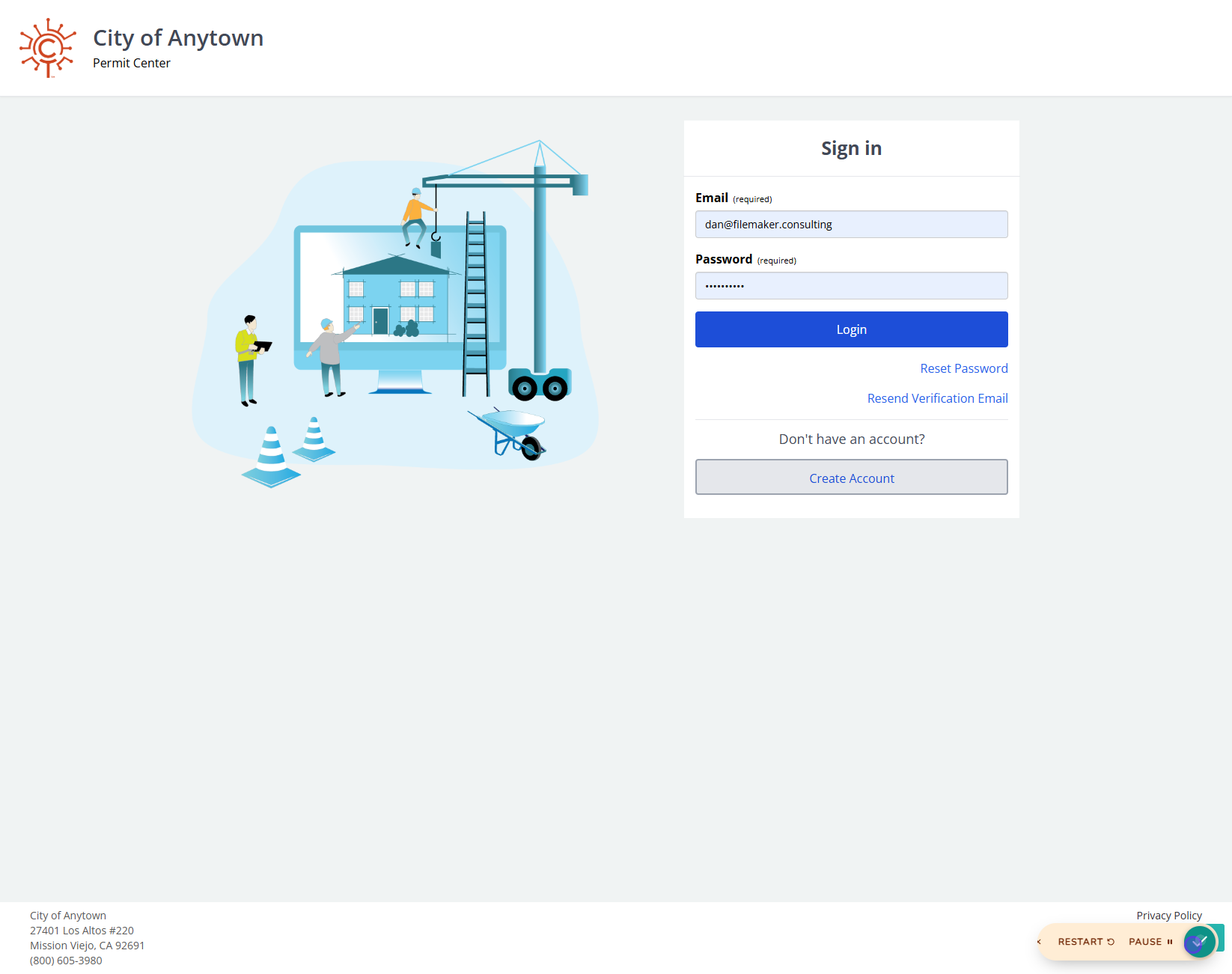
2. Click on highlight
3. Click on Login
4. Click on Projects
5. Click on highlight
6. Type in highlight
7. Click on 1234 3rd St
8. Click on -$68.18
9. Click on Projects
10. Click on highlight
11. Click on Project type
12. Click on Pay Invoice
13. Click on eCheck
14. Click on highlight
15. Click on highlight
16. Click on Checking
17. Click on Pay $1.51
18. Click on Checking
19. Click on Pay $1.51
20. Click on Cancel
21. Click on Dev Tools
Dubble test - Magic Copy
Guide with master.cts.city
1. Go to Sign in - City of Anytown
2. Click on highlight

3. Click on Login

4. Click on Projects

5. Click on highlight

6. Type in highlight

7. Click on 1234 3rd St

8. Click on -$68.18

9. Click on Projects

10. Click on highlight

11. Click on Project type

12. Click on Pay Invoice

13. Click on eCheck

14. Click on highlight

15. Click on highlight

16. Click on Checking

17. Click on Pay $1.51

18. Click on Checking

19. Click on Pay $1.51

20. Click on Cancel

21. Click on Dev Tools
